
Writing App
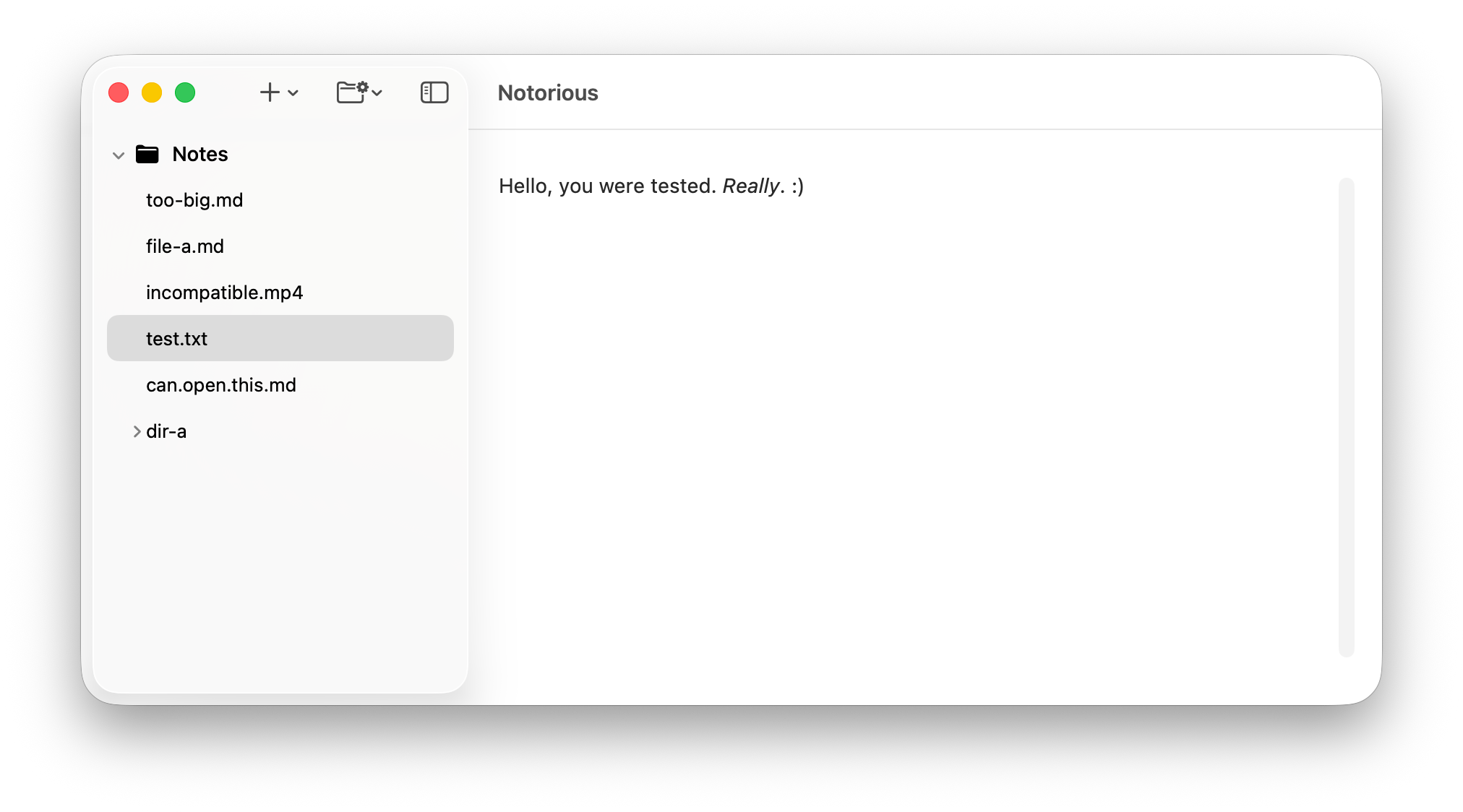
I'm now creating my own writing app. Most note apps don't have native interfaces and are instead built in JS with Electron. It's fine to use Electron but it's not fast like native, and Electron apps typically deviate from the appearance of the OS. I want to write an app for writing because I enjoy writing things, but also because afterwards I will have a native app to take notes in that will be nice and fast and good looking too.
This is still early stage, but I do already have a working prototype that can handle markdown formatting. Now, it does seem there are some things that are possible in something like Electron with CSS that are not actually possible in Swift UI. It doesn't seem to be possible to put a background behind inline editor text with rounded corners, which I need for inline code to look good. It's also probably going to be tricky showing and hiding the formatting characters as the writer is writing them. For code blocks I will probably have to resort to a webkit view to use web tech to render syntax highlighting. Everything else should be fine in Swift.
I'm excited that this is coming together. I will not be abandoning Obsidian or my paper note system anytime soon, but it seems I will have my complimentary note app someday and it's going to look good.
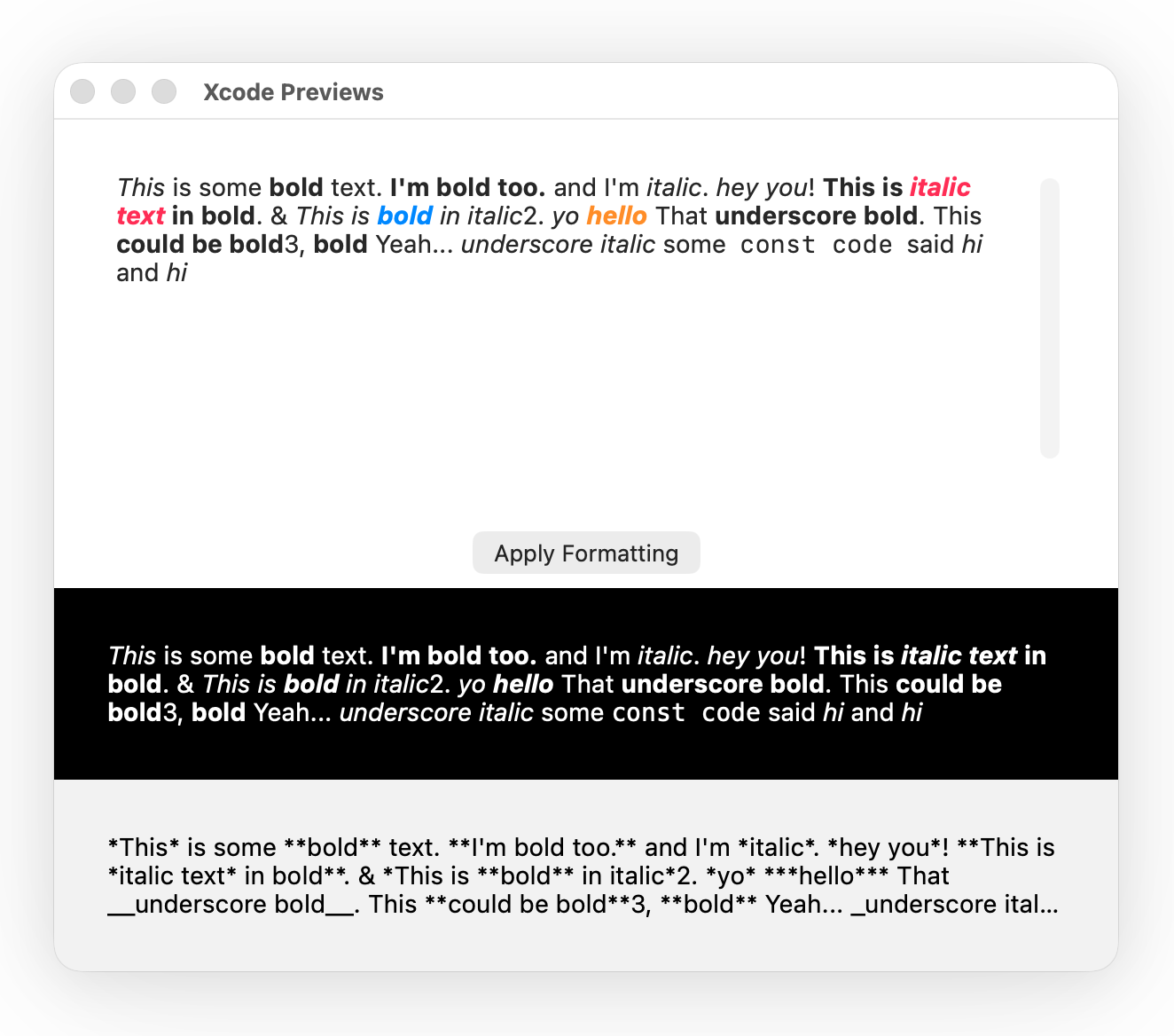
The markdown formatting is performed by applying styles to portions of text that have markdown characters using Regex. I found that the Regex approach is pretty quick, although interestingly depending on how a pattern is written it can become extremely slow just from one seemingly innocuous detail. Ideally I wouldn't be using Regex for this, I know, but I believe good markdown formatting would require a multi-year effort by Swift veterans. My markdown formatting only supports inline markdown, not; quotation blocks, code blocks, horizontal rules, images etc. Interestingly, Apple has inline markdown support for converting markdown to a formatted string. The problem with their approach is that it's inline only and it strips the markdown characters from the text. Most people writing markdown want to retain the formatting characters and have it saved as plain text. I preserve the characters.
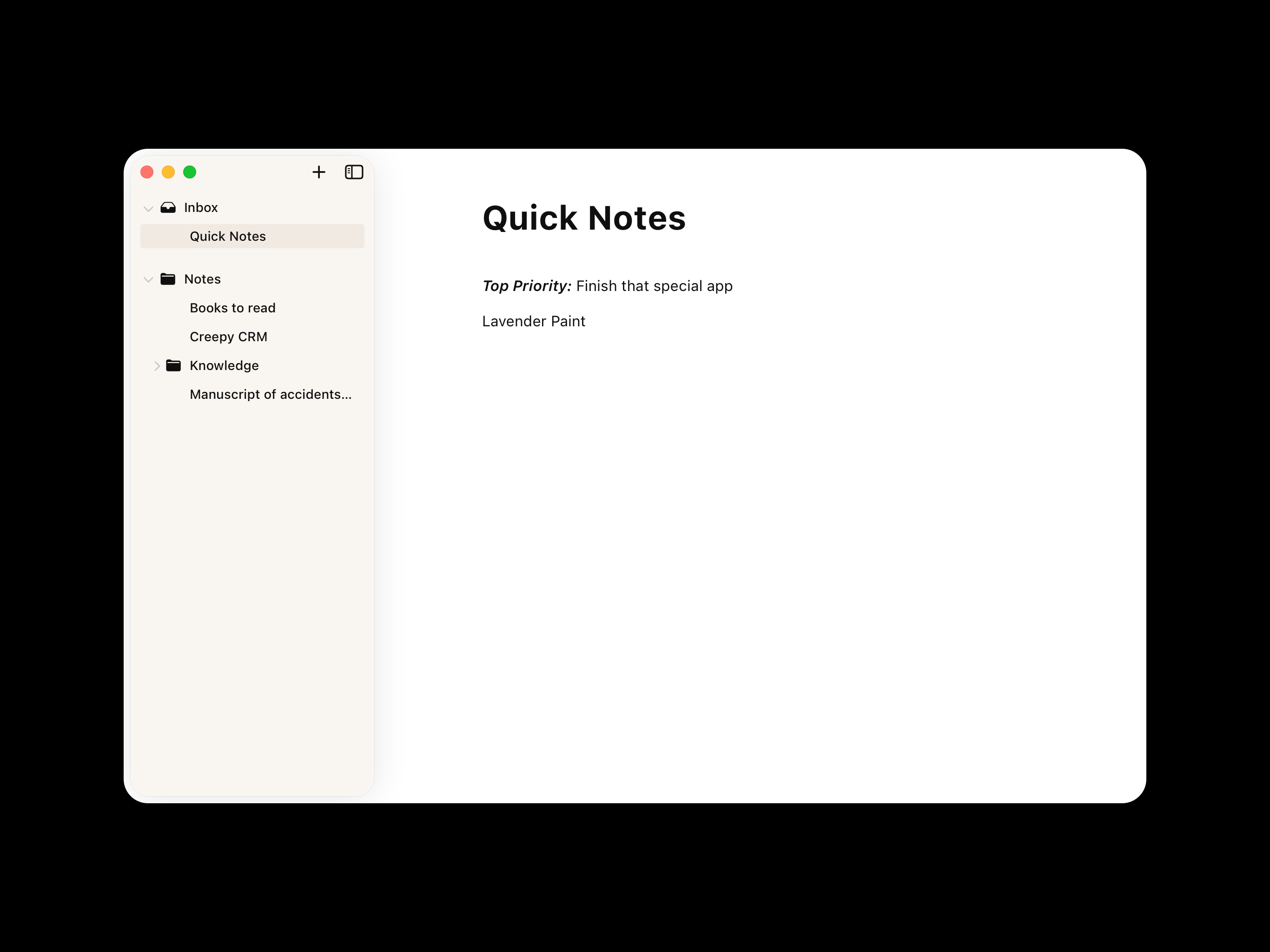
Straying from the design, I found that the beige background doesn't look good in the sidebar in practice because of the sidebar's shadow. It doesn't look as good as my design in reality because the shadow is different. Another thing I tried in the design was having folder icons for just the folders, but in practice it looks inconsistent without file icons, and I don't want file icons; and additionally, the indentation from having icons is too excessive. The carets (disclosure indicators) are sufficient for indicating whether something is a folder.