
Study Timer
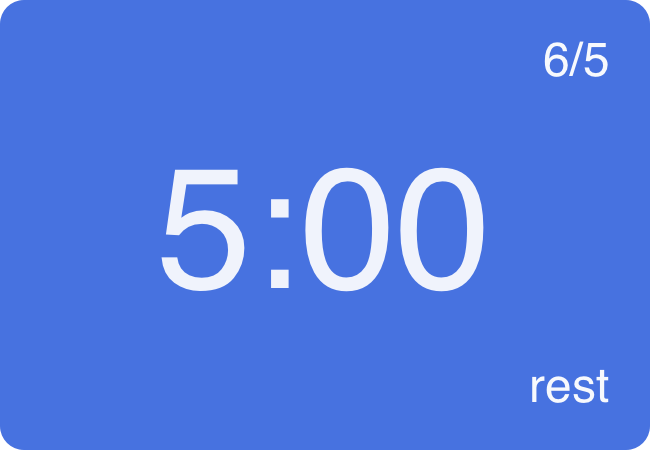
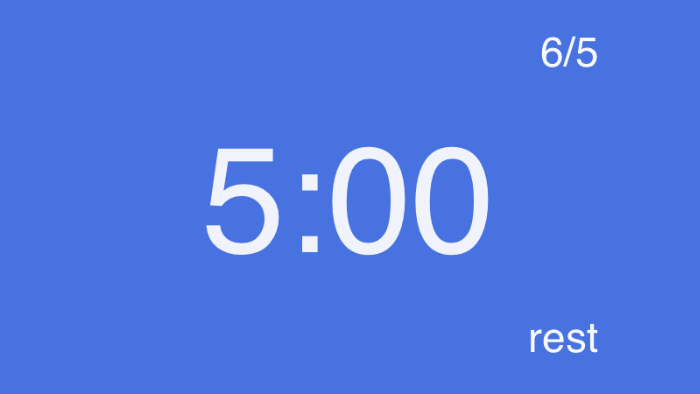
Study Timer is my first attempt at building a native application for MacOS. The functionality is simple, it counts down in rest and work intervals, with the user setting how long they would like to work for and how long they would like to rest for. After working for the set time the user gets to rest for their rest duration. This way users get some free time to browse the internet or stretch while also ensuring that they get their work done too. The app also tracks the user's total completed work cycles for the day against their target. This timer is always visible, but it can be minimized to the menubar if the user prefers.

Being my first foray into Swift programming there was a bunch of things I needed to learn. I did not generate any code but I did constantly consult ChatGPT about things like window APIs and how to setup an app delegate. There were some unexpected quirks, like a timer API that counts a long second(?!) or counts a second immediately when it starts counting. This is where I moved to counting the time as an integer value and using a timer to update the value every second instead of comparing initial and current time values. Think about it and you may get an idea what was happening.
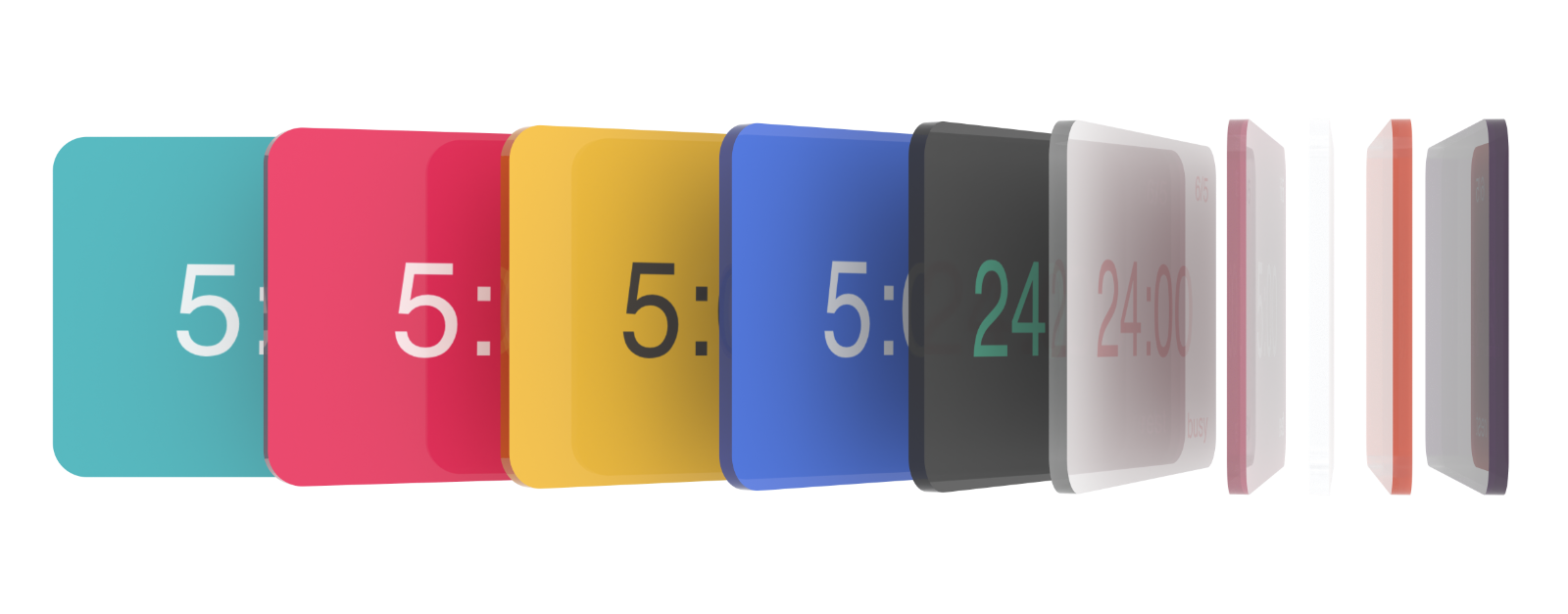
I designed many themes for the app. There is a whole area in settings where the user can change through all of the themes. I spent a while in Blender creating the above 3D view of the different themes so that I could use it as a promo image in a potential app-store submission. This was glass-style before the OS went glassy (I was inspired by a clipboard app that has coloured glass tiles on its store page). Not satisfied with just adding themes for the user to choose from, I also added the option to switch to a circular countdown where a progress line grows around the circle during countdown.